Why Your Video Is Blocked in Multiple Locations on Instagram — And How to Fix It
GALTech School of Technology Private Limited > Blogs / Why Your Video Is Blocked in Multiple Locations on Instagram — And How to Fix It
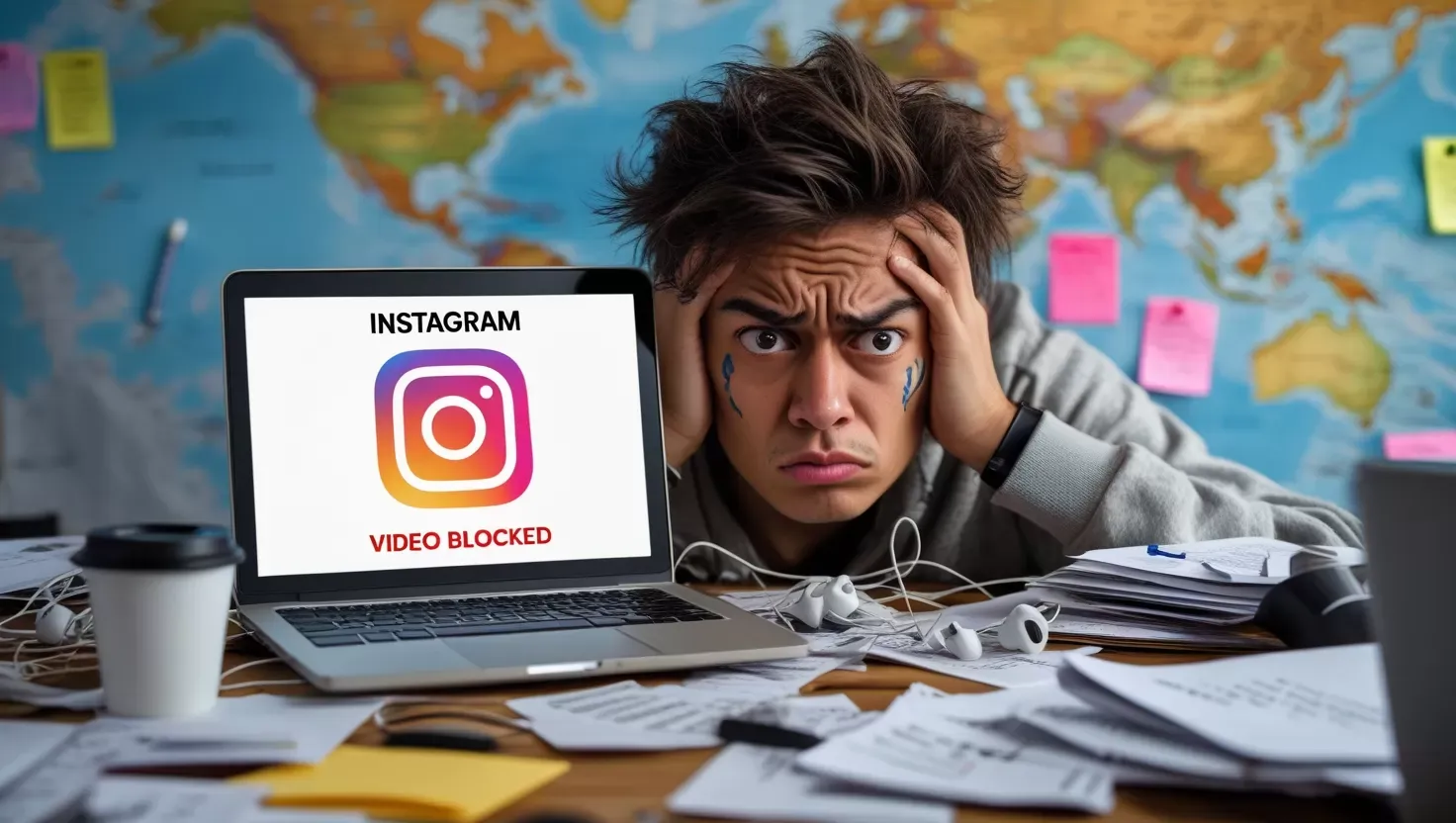
Why Your Video Is Blocked in Multiple Locations on Instagram — And How to Fix It
Ever put a Reel on Instagram, and it vanishes after a few? You might see a warning that says, Your video is blocked in multiple locations. It’s a common problem. Let’s figure out why this happens, how to stop it, and talk about a quick fix. Plus, I’ve got a tip to get better at this stuff.
What the “Video Is Blocked in Multiple Locations” Error Means
If Instagram tells you:
Your content is blocked. Blocked Worldwide – Sree Movies (Audio)
it means your video has copyright issues. Usually, it’s because your Reel has music or sound from somewhere else, like a YouTube video or a movie.
Like this:
- Content Blocked: Audio from 00:52 to 01:53
- Rights Holder: Sree Movies
- Block Status: Worldwide
This usually pops up about 5 minutes after you post, so it looks like the video is okay at first. Then, bam, it gets blocked.

Why This Happens
Instagram checks the audio in your videos. If it finds a match to copyrighted stuff—like movie songs or licensed music—it flags your video.
This usually happens if:
-You’re using audio from YouTube or other places.
-The clip is longer than 30 seconds.
-You don’t have permission to use it.
How to Deal with It
-Cut the copyrighted audio to less than 30 seconds.
-Use music that’s free to use or record your own voice.
-Use Instagram’s music library for safe tunes.
-Don’t upload full songs or music from movies (like from Sree Movies).
If you think you DO have the rights, you can:
Argue your case through Instagram’s dispute thingie.
(Only do this if you REALLY have permission).
Quick Tip:
Always check if you can use the audio BEFORE you upload. Look at sites like:
-Epidemic Sound
-Artlist
-YouTube Audio Library (read the rules first)
Want to Get Good at Reels + Digital Marketing with AI?
Don’t make these mistakes. Get good at Instagram Reels, YouTube Shorts, SEO, and other things with new AI tools.
Join our Advanced AI-Powered Digital Marketing Course at GALTech School—online or in person.
Learn from people who know their stuff.
Work on actual projects.
Learn skills for the future.
👉 Call our team to sign up or learn more:
📞 +91 70127 16483
🌐 galtechlearning.com

Leave a Comment
Recent Posts


Sep 18, 2026